Guides
Starting guitar: the essential accessories
Tuner, plectrums, strap, stand, care kit: the complete list of accessories that are genuinely useful when you start guitar, the ones that can wait, and the budget to plan for.
Free metronome in the browser: 30 to 300 BPM, time signatures from 2/4 to 12/8, subdivisions, swing, downbeat accent, tap tempo, visual beat indicator and keyboard shortcuts.
Allegro
Click or press T in time
Space: play/pause · ↑ ↓: ±1 BPM · T: tap tempo
The volume is set independently of the guitar, and every setting is stored in the browser: you will find your last configuration on your next visit.
This metronome runs in the browser and relies on the device’s audio clock. Its timing is very good in an active tab, but a background tab or a locked phone may cut or slow the sound depending on the browser: keep the page visible while practising.
The sound is a synthetic click, with no choice of timbre or spoken count. There is no song programming (tempo or time-signature changes on the fly), no automatic tempo ramp, and no output to a sequencer or a pedal. For those uses, a dedicated app or the metronome built into a looper or an amp such as the Boss Katana 50 MkII remains better suited.
Finally, playing to a metronome builds consistency, not groove: playing ahead of or behind the beat is learnt by playing with other musicians and with records.
Start at the tempo where you play the passage cleanly, even if it feels absurdly slow, then raise it by 4 or 5 BPM after each clean run. If you stumble, drop 10 BPM and climb again. Consistency matters more than speed: a clean passage at 80 BPM beats a shaky one at 120.
BPM stands for beats per minute: at 120 BPM the metronome clicks twice a second, and each beat lasts 500 milliseconds. In 4/4 one beat is a crotchet, so a bar lasts two seconds. The site's tempo-to-milliseconds calculator gives the value of every note length.
Use tap tempo: press the T key or the button in time with the song for at least four beats, and the tool works out the average. Then check by running the metronome over the song. If the click drifts slowly, adjust by 1 or 2 BPM.
When a note lands exactly on the click, it masks it: that is a good sign. To check that you are not drifting, play a few bars, then stop and listen for whether the click is still where you expected it. The visual beat indicator also serves as a check.
Yes. The swing subdivision pushes the second quaver of each beat towards the third triplet quaver, which matches the feel of jazz, blues and most shuffles. For a lighter swing, as in some pop tracks, choose straight quavers and play the offset yourself.
Last updated: 11 September 2026
Our reviews, comparisons and guides related to this tool.
Tuner, plectrums, strap, stand, care kit: the complete list of accessories that are genuinely useful when you start guitar, the ones that can wait, and the budget to plan for.
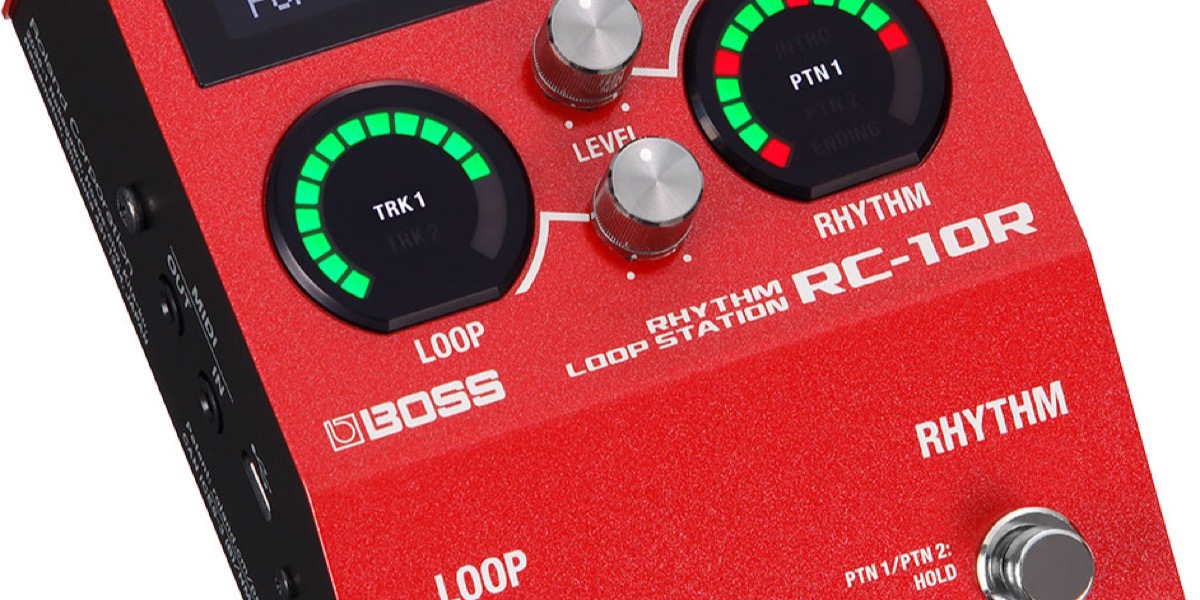
Boss
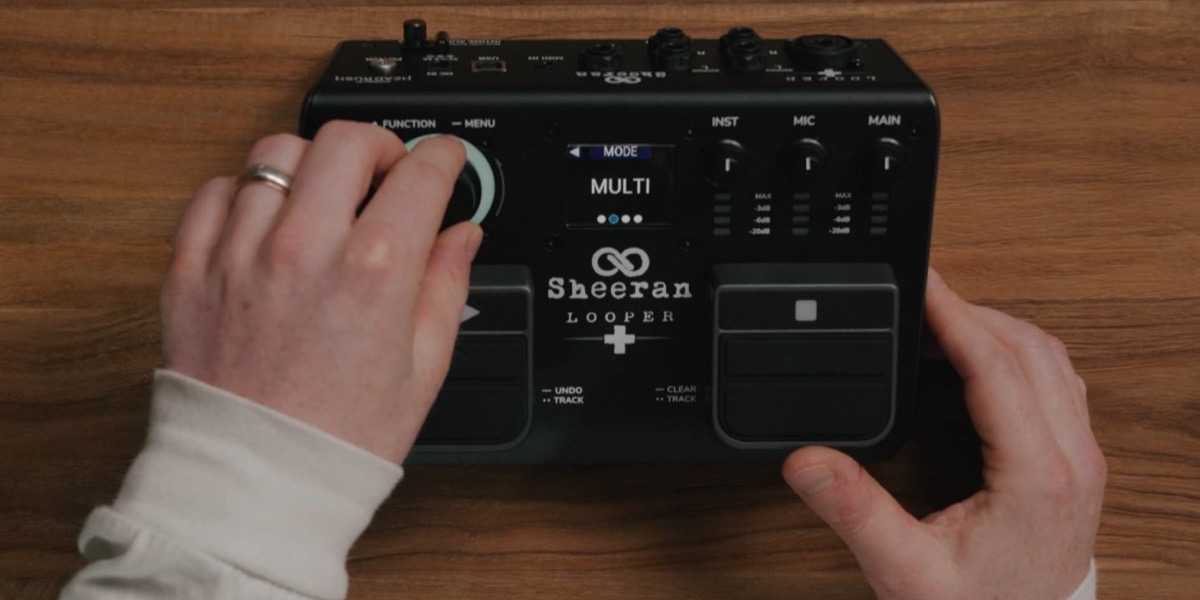
Sheeran Loopers